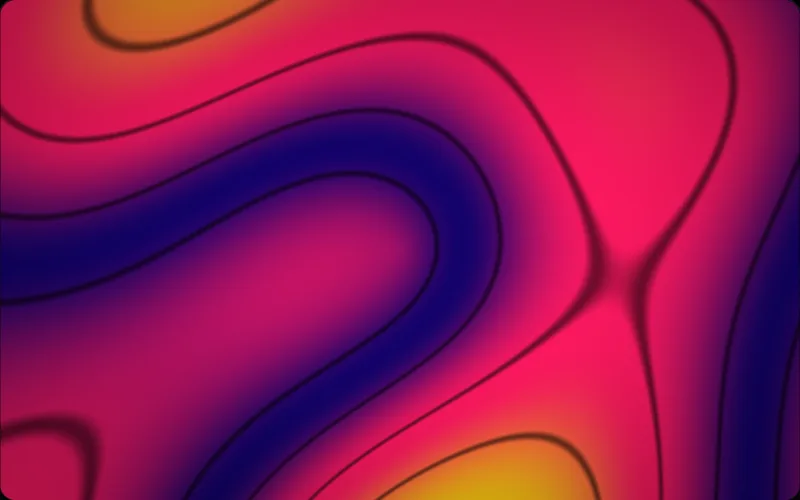
Computed, not looped
A background video costs megabytes, loops where everyone can see the seam, and blurs the moment a screen is sharper than the file. A website background animation drawn by a shader is a few numbers and a formula: every frame is computed at the exact resolution of the element it fills, so it never loops, never buffers, and never ships pixels at all.
CSS keyframes sit at the other extreme — cheap, but flat. A shader gives a background depth, grain, and light without dragging in a video pipeline or an animation library.
Tuned to the brand before it ships
Every shader here exposes the same six controls — speed, scale, strength, vibrancy, grain, vignette — plus its own, and three colours. Drag the sliders on any catalogue page until the hero background effects match the design, then share the URL: the tuning travels with it.
Choosing a website background design
Most of the choice comes down to one question: is there copy on top of it? A background under a headline wants to be a field rather than a picture — a slow gradient, a fabric, a wash of light, something with no subject for the eye to land on. Save the shaders that have a subject in them, a horizon or an island or a flower, for the blocks where nothing has to be read.
After that it is contrast and motion. Pull the vignette up until the middle is dark enough for white type, or the vibrancy down until a busy palette stops competing; both are sliders on every shader. Then slow it down — almost every background design for a website looks better at half the speed it ships with, because a background that draws attention has stopped being a background. The catalogue groups the 77 shaders by family, so you can browse gradients or light or water rather than scrolling all of them.
A background that respects the page
The renderer only draws while the element is on screen, holds a still frame for readers who ask for reduced motion, and caps resolution and frame rate where you tell it to. The performance notes spell out the budget.